Canonical
3 August 2017
Upgrading your Ubuntu-on-Windows install to the app version
Our team and Microsoft recently released Ubuntu as a Windows app store application! 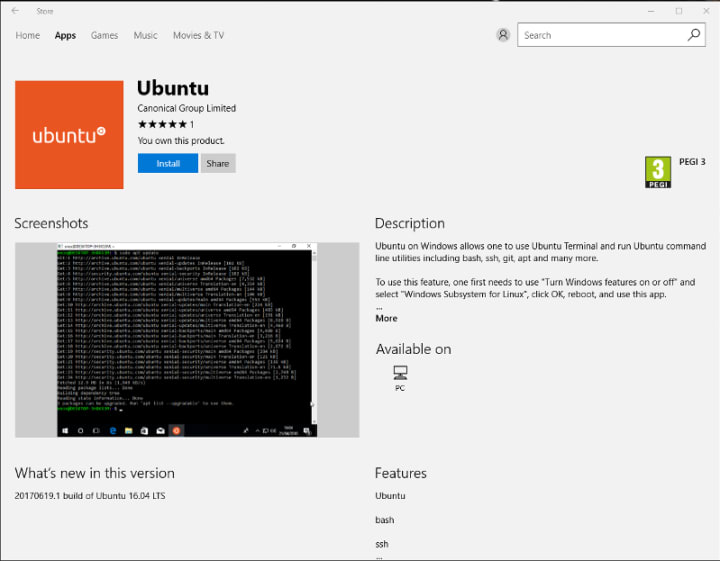 If you toyed with the “bash on Ubuntu on Windows” version before and would like to try the latest and greatest, read on!
Saving your data
If your “bash on ubuntu on windows” environment has some data you’d like to keep, make sure you back it up now. The uninstall process will nuke everything.
Uninstall the old way
This is relatively simple. Opening a command line (cmd.exe) terminal and typing
lxrun /uninstall
will destroy your previous environment.
Installing the new way
To find the app in the Microsoft store, just type “Ubuntu” in the search bar. Click install. Voilà!